
Granular
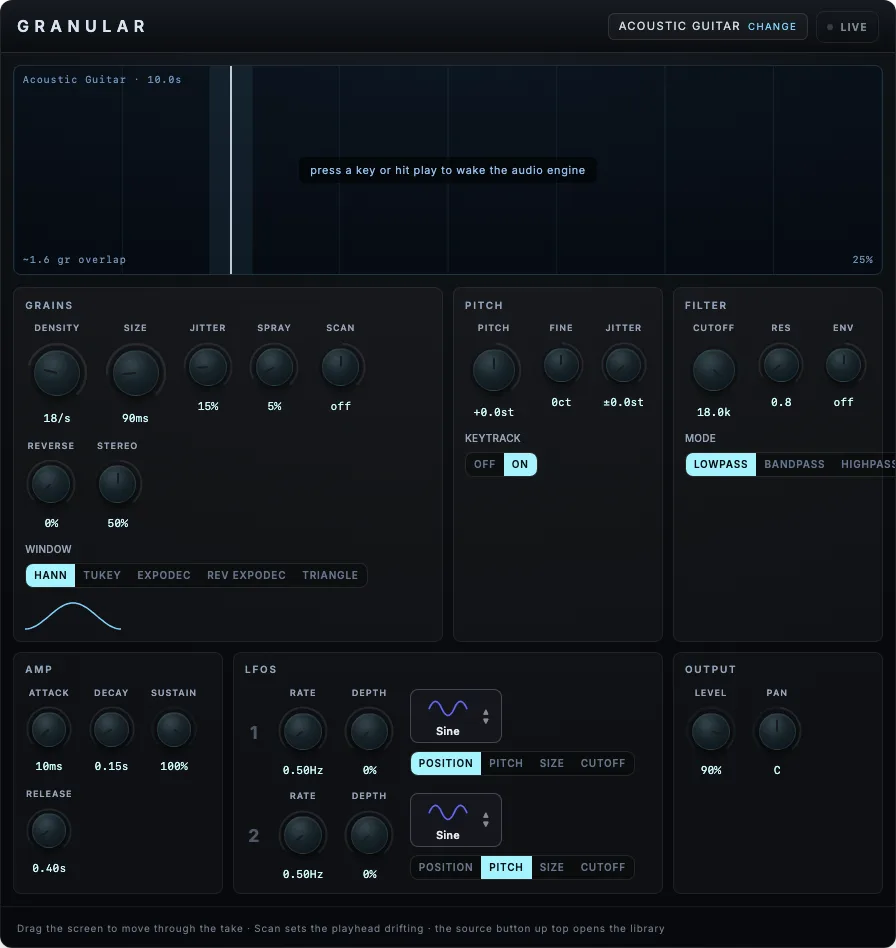
A recording split into a playable grain cloud.
PreviewNot built for macOS, Windows or Linux
Morph between three generated sound faces.
Engine preview
Browser version
Tetra Sampler treats a library as three related sound faces rather than a folder of unrelated files. Saved libraries can carry a rendered lattice of intermediate nodes, while browser-created sets start with three corners. In both cases the triangle position determines which generated material the keyboard plays.
The default Blend mode layers the three nearest rendered nodes at equal power and follows the control while notes are held. Snap mode selects one node at a time for reviewing the source renders. Both use the same MIDI note input, and both can be moved from two assigned MIDI CC controls through the XY projection.
The waveform card shows the dominant rendered buffer at the current point. Download preserves the original generated WAV bytes, and drag-out presents the same file to the desktop with its waveform and filename attached to the drag gesture.
Migration fallback: a page-only authored drawing, not yet runtime or export truth. Dashed cables carry modulation, not audio.
MIDI notes feed a repitching sampler whose source is resolved from the active bank and triangle position.
Blend mode keeps three bounded sampler slots alive and ramps their gains with an equal-power law. Crossing a lattice edge only replaces a silent slot, so held notes can move without clicks.
The output runs through a dynamics compressor and a short generated room impulse. One switch crossfades the complete rack to a dry bypass path.
A recording split into a playable grain cloud.
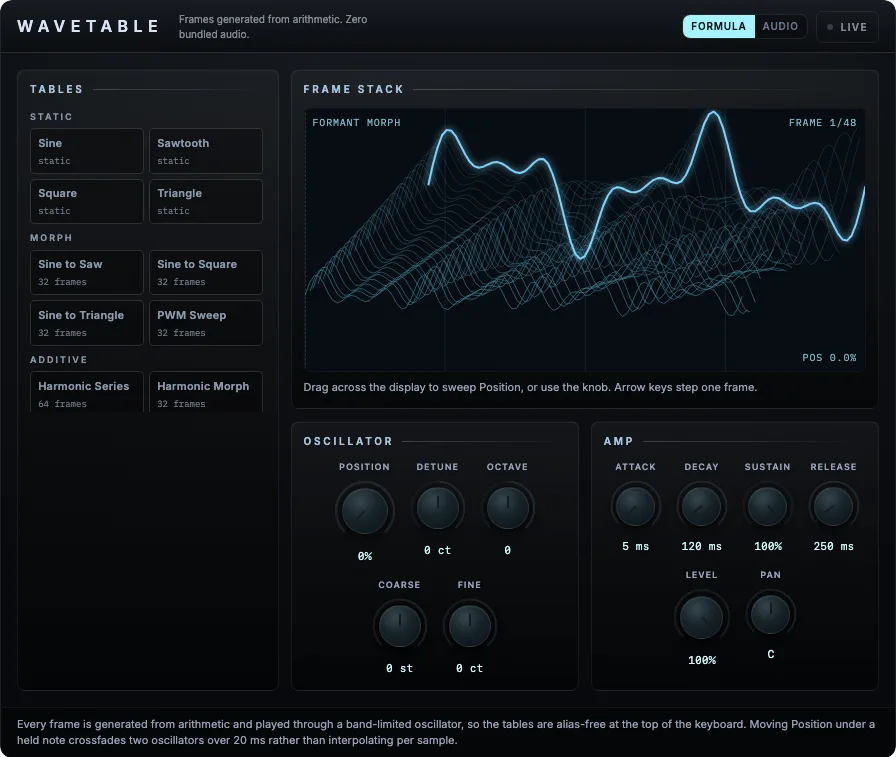
Single-cycle waves with continuous position morphing.
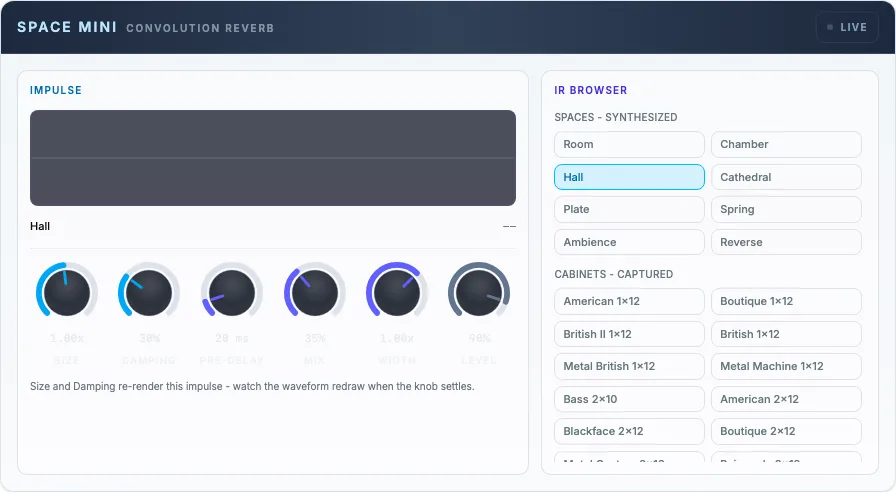
Convolution reverb: eight synthesized spaces, twenty-five real cabinets.