OSC Mini
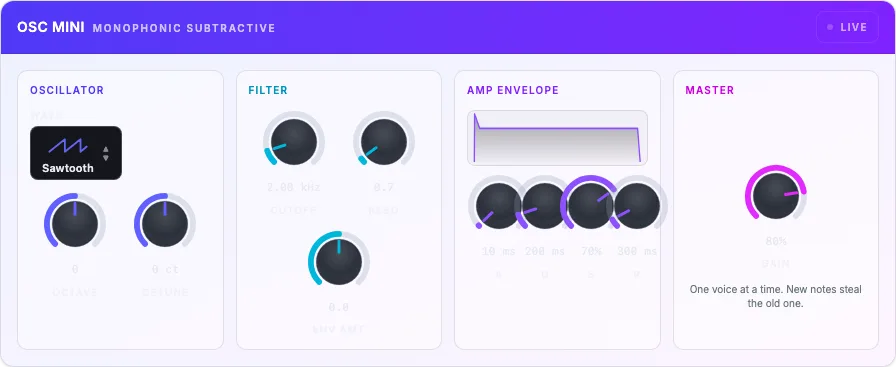
A compact subtractive synth for learning the signal path.
Preview
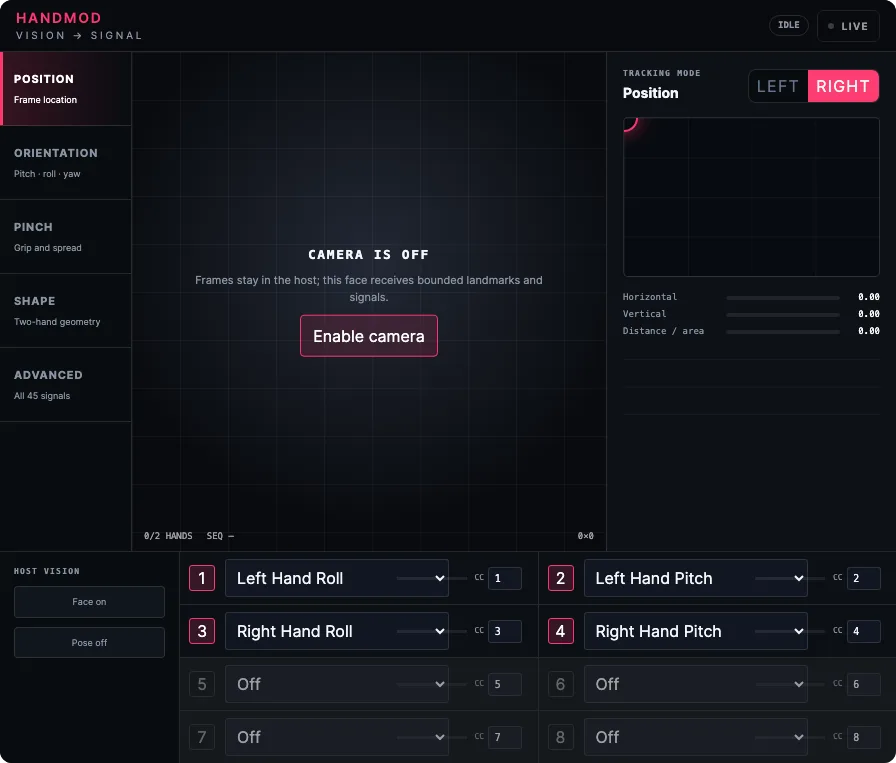
Map camera motion to MIDI CC.
Engine preview
Not built for macOS, Windows or Linux
Video is processed in your browser and never uploaded. Nothing leaves the machine but CC numbers.
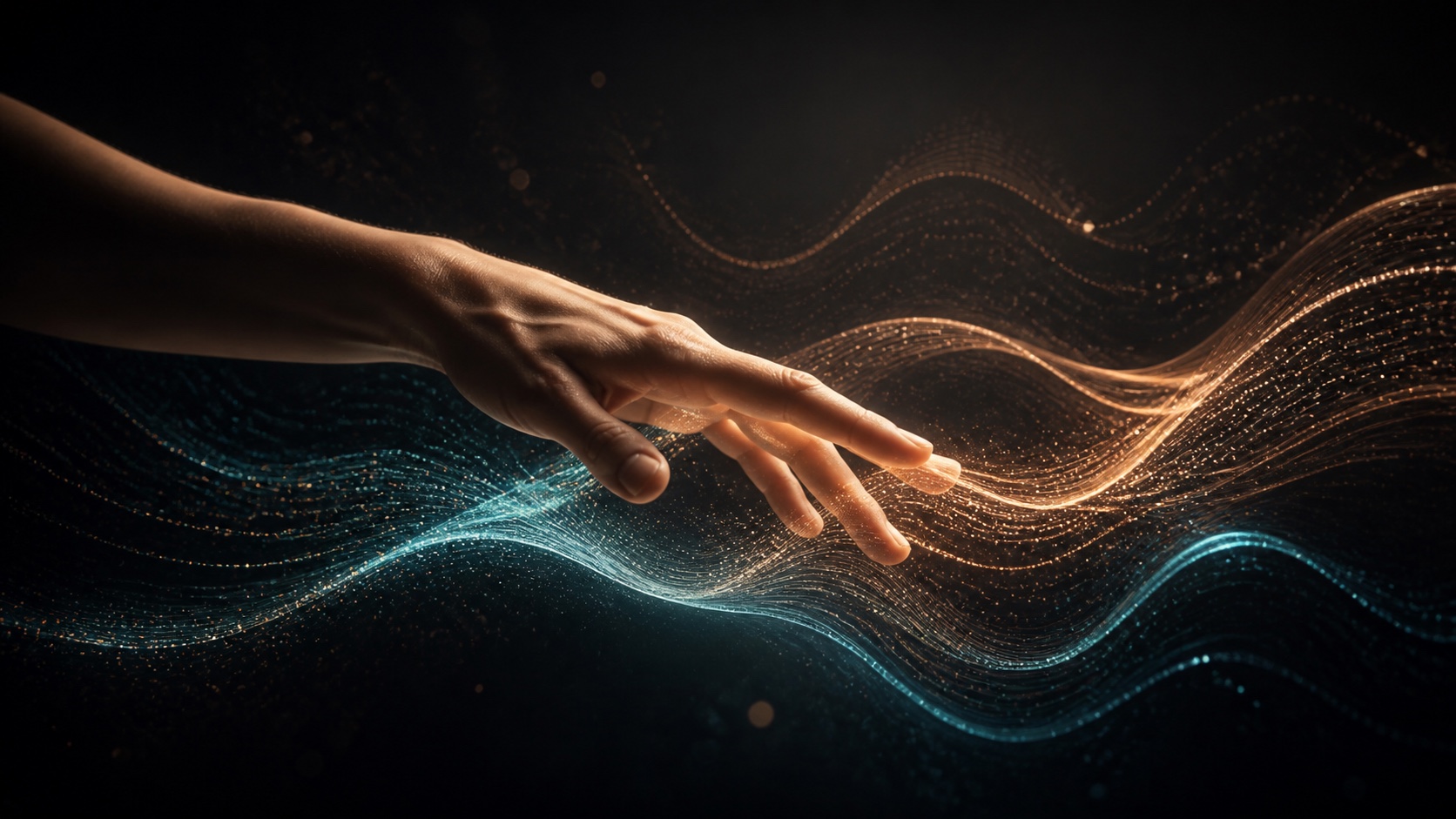
Every modulation source on a computer is either a slow shape you drew or a knob you have one spare hand for. CamMod is a third option: motion. A webcam watches a region you choose, tracks it, and turns position and movement into four continuous MIDI CC lanes. Raise a hand and a filter opens. Lean in and the reverb gets bigger. It's a mod wheel with an unreasonable amount of travel and no hands required.
The tracking is deliberately dumb, and that's a design decision rather than an apology. It follows motion and gross position - a hand, a head, a drumstick, a cat - inside a box you draw on the preview. It does not identify you, does not do gesture recognition, does not know a fist from an open palm, and does not need to. Simple tracking is predictable tracking, and a modulation source you can't predict is a modulation source you can't perform with.
On this site, CamMod's output routes straight into any other Syntho tool: open it alongside OSC Mini, drag lane 1 onto Cutoff, and you're playing a filter with your hand in the browser with nothing installed. In the standalone build it does the same thing for your whole studio by exposing a virtual MIDI port - your DAW sees CamMod in its MIDI input list like any hardware controller, and every plugin you own can learn from it.
Privacy, plainly. Video is captured and analyzed on your device, in the page, and thrown away frame by frame. Nothing is uploaded - not frames, not stills, not landmarks, not a summary. There's no account, no server call and no analytics event carrying camera data, because there is no server in this loop at all. The browser's camera indicator is on while CamMod runs and goes off the moment you stop it. Turn off your Wi-Fi and it works exactly the same; that's the test we'd want to run, so we're telling you to run it.
Every row below is a recorded build row or the recorded absence of one. Nothing here is inferred from what this module is meant to support.
| Format | Result | Download |
|---|---|---|
| Browser package (JS) | Not built by this module's lane this module has no release.json; its packager lane records no browser program rows | Not built for the browser |
| Browser package (WASM) | Not built by this module's lane this module has no release.json; its packager lane records no browser program rows | Not built for the browser |
| VST3 | Not built — the native export is blocked native-export.json records nativeEligibility "blocked" | Not built for macOS, Windows or Linux |
| Audio Unit | Not built — the native export is blocked native-export.json records nativeEligibility "blocked" | Not built for macOS |
| CLAP | Not built — the native export is blocked native-export.json records nativeEligibility "blocked" | Not built for macOS, Windows or Linux |
| Standalone app | Not built — the native export is blocked native-export.json records nativeEligibility "blocked" | Not built for macOS, Windows or Linux |
Parity
No lane recorded an artifact; there is no parity evidence.
Start from a named sound, then adjust the instrument to make it yours.
A getUserMedia stream goes to an offscreen canvas at a reduced resolution - tracking doesn't need 1080p, and downscaling first is most of why this stays cheap. Inside your tracking region CamMod computes a frame difference against a slowly-adapting background, thresholds it by Sensitivity, and takes the centroid and area of what's left. That gives four raw signals per frame: X, Y, area, and total motion energy.
Each lane picks one of those signals, applies its curve, scales it into the Min-Max window, smooths it with a one-pole filter, and emits CC at its Rate with change-detection so a still subject doesn't spam identical values down the wire. In the browser those messages go to any Syntho tool on the page and, if you allow Web MIDI, out to real hardware. In the standalone build the same lane engine drives a virtual MIDI port your DAW treats as an ordinary controller.
None of this is audio DSP, so CamMod has no kernel and makes no sound. It's a controller that happens to ship in the same box as the instruments, and it runs on the video frame clock - nominally 30 Hz - rather than the audio block clock. Expect roughly 30-60 ms between a physical move and an audible change, most of which is camera capture, not us. That's fine for filter sweeps and swells; it's not fine for triggering notes, so CamMod doesn't send notes.